
Smart Home App Development: Bringing SmartThings to Windows Phone
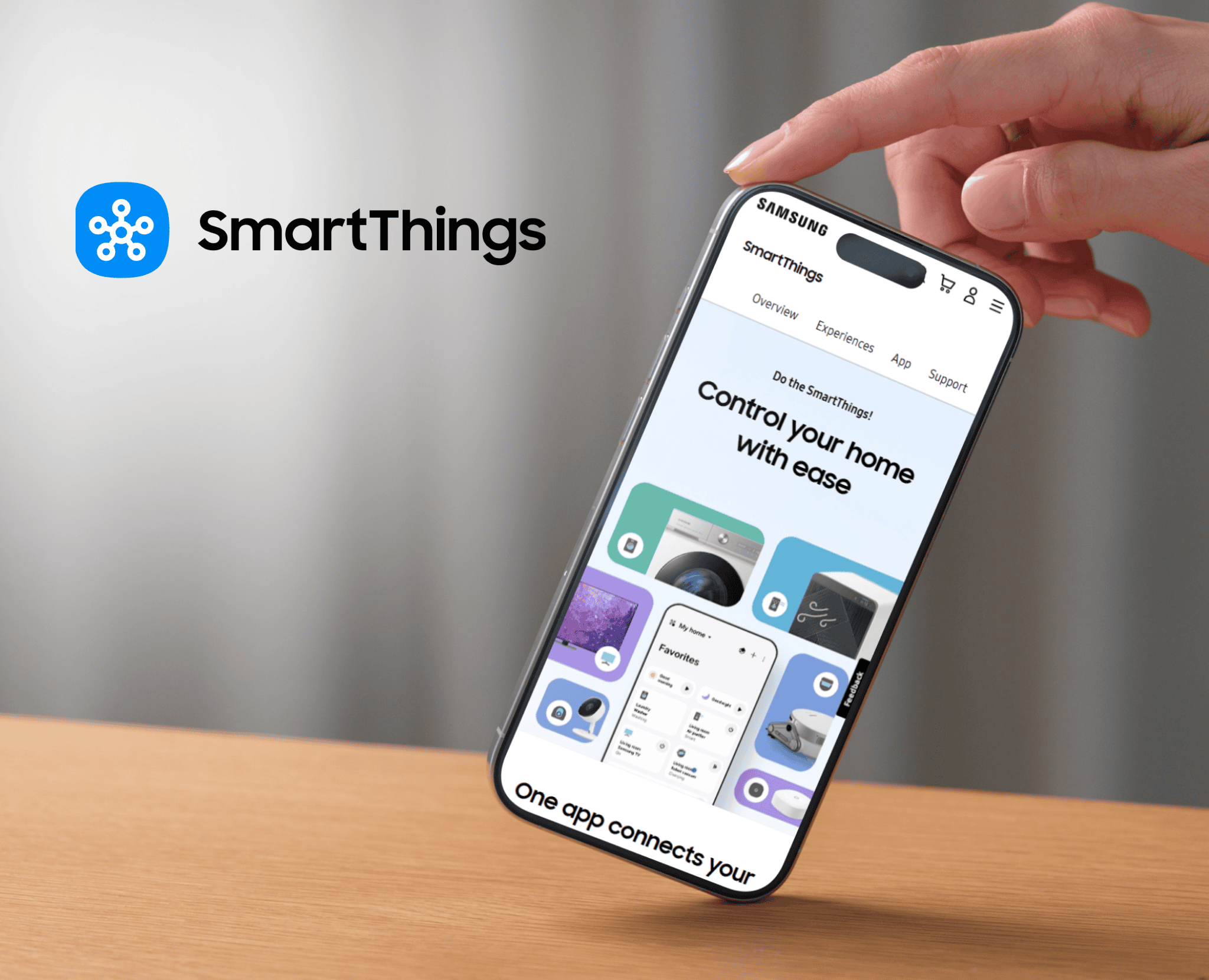
Project overview: the SmartThings app on Windows Phone
We worked closely with SmartThings to bring its smart home ecosystem to the Windows Phone platform. The app lets people control the SmartThings devices throughout their connected home, get notifications about what is happening there, and automate it from their phone.
About SmartThings
SmartThings is a smart home platform, owned by Samsung since 2014. With the SmartThings app, people can get important notifications about what is happening at home, control their smart devices with a tap, and automate their home to react to their own preferences. As the company put it: run your home from your phone.
The challenge: a smart home app for every phone
When Samsung bought SmartThings, it promised an open platform. SmartThings already had apps for iPhone and Android, but people with Windows Phone handsets had no way to run their SmartThings home from their phone. For a platform that wanted to work with everything, that was a gap.
What we did: bringing SmartThings to Windows Phone
We worked closely with SmartThings to bring its ecosystem to the Windows Phone platform. The app lets users control the SmartThings devices throughout their connected home.
SmartThings announced its Windows Phone app in October 2014, built for Windows Phone 8.1. Press coverage at the time noted that although it looked different, it matched the functionality of the iPhone and Android apps, and that it was free to download. SmartThings went on to update the app, adding features such as hub firmware updates, until it ended Windows Phone development in 2017.
What makes smart home app development hard
A smart home app is a remote control for real things in someone's house, so it has to be right. When someone taps to turn off a light or check a door sensor, the app has to reflect what is actually happening, quickly, even on a weak connection. It has to handle many kinds of devices from many makers, keep alerts timely, and make automations simple enough that people actually set them up.
Bringing an existing app to a new platform adds another challenge: matching the features people expect from the other apps while still feeling native on the new phone.
IoT and mobile app development today
Windows Phone is gone, but the work is the same on today's platforms. Through Maxiom Apps we build IoT apps and native iOS and Android apps, and our cross-platform app development team can help you reach every phone from one codebase when that makes sense.
The SmartThings app is also part of our long history with Microsoft platforms; see our Microsoft case study. To add engineers to your own team, you can hire iOS developers, hire Android developers or hire React Native developers through Maxiom.dev.
Building an app for connected devices?
Tell us what your devices do and what your users need to control. On a 30-minute call we will tell you how we would build the app and whether we are the right team.
Related
Project inquiry
Tell us what you are trying to ship
Response within 1 business day
The Challenge
Our Solution
Technologies Used
Services Provided
Why Maxiom?
- Software since 2002
- $100M+ in contract value
- 221+ clients
- Top-rated on Clutch
Frequently asked questions
What did Maxiom do for SmartThings?
We worked closely with SmartThings to bring its smart home ecosystem to the Windows Phone platform. The app lets users control the SmartThings devices throughout their connected home.
When did SmartThings come to Windows Phone?
SmartThings announced its Windows Phone app in October 2014, built for Windows Phone 8.1. It matched the core features of the iPhone and Android apps and was free to download.
What happened to the SmartThings Windows Phone app?
SmartThings kept updating the app, adding features such as hub firmware updates and later Windows 10 support. In 2017 it ended Windows Phone development, and the app was removed from the Windows store on April 1, 2017.
What is a smart home app?
A smart home app lets you control connected devices at home, such as lights, outlets, locks and sensors, from your phone. Good ones also send alerts about what is happening and let you set up automations, like turning lights on when you arrive.
What makes IoT app development different from other apps?
An IoT app controls real devices, so it has to show their true state quickly, cope with weak connections, support many device types, and deliver alerts on time. Mistakes are visible in the real world, not just on screen.
Can Maxiom build a smart home or IoT app?
Yes. We build IoT apps and native iOS and Android apps. Tell us about your devices and your users, and we will tell you how we would build it.
Should a smart home app be native or cross-platform?
It depends on how much the app relies on device features like background alerts and local connections. Native apps give the most control; a shared codebase can reach every phone faster. See our cross-platform app development page for the trade-offs.
Can Maxiom bring our existing app to a new platform?
Yes. Like we did for SmartThings on Windows Phone, we can take an existing app to a new platform, matching the features your users expect while making it feel native.